PDF to Word Converter
Convert a PDF into an editable Word (.docx) document — extracting the real text layer and rebuilding paragraphs, so you can edit content that started life as a PDF instead of retyping it.
What it does
- Best results on digitally-created PDFs with a real text layer.
- Basic formatting (paragraphs, bold/italic) carries over.
- A scanned PDF needs OCR first for any usable text.
Private by design
Processing runs entirely inside your browser tab — your photo or document is never uploaded to a server.
Good to know
Because nothing is uploaded, there's no wait for a server queue — the result appears as soon as your own device finishes the work, which is usually just a second or two on a normal photo.
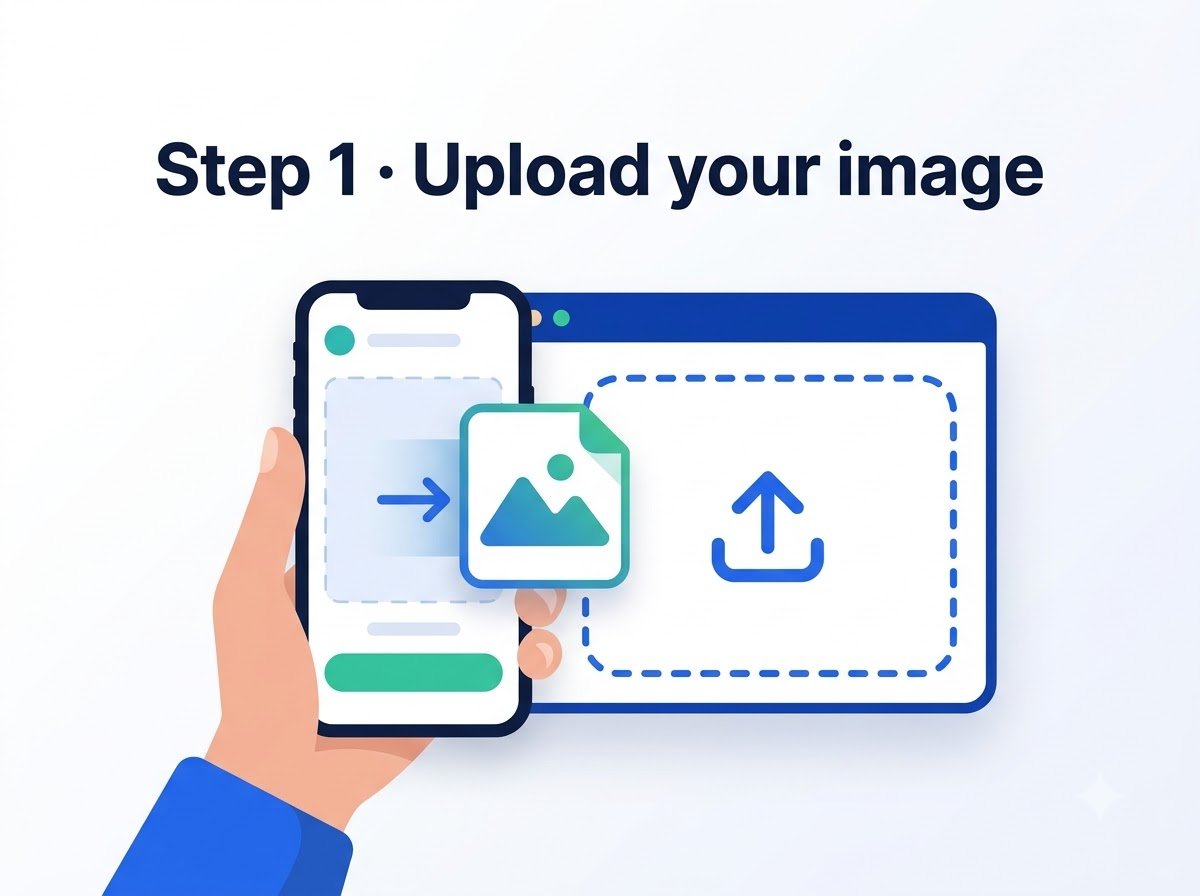
How it works

Frequently asked questions
Will tables convert cleanly?
Simple tables usually convert well; complex, merged-cell tables may need manual adjustment afterwards.
Is this the same conversion used for the Hindi/Malayalam/Marathi PDF-to-Word pages?
Yes, same engine — those pages just point at the same tool with language-specific guidance.
Reviewed by Manoj Pathak & Pallavi Yadav, Toolzo team — updated 23 September 2026.