JFIF to PDF
Convert JFIF image files (a JPEG variant some browsers and Windows save downloads as) into a single PDF document.
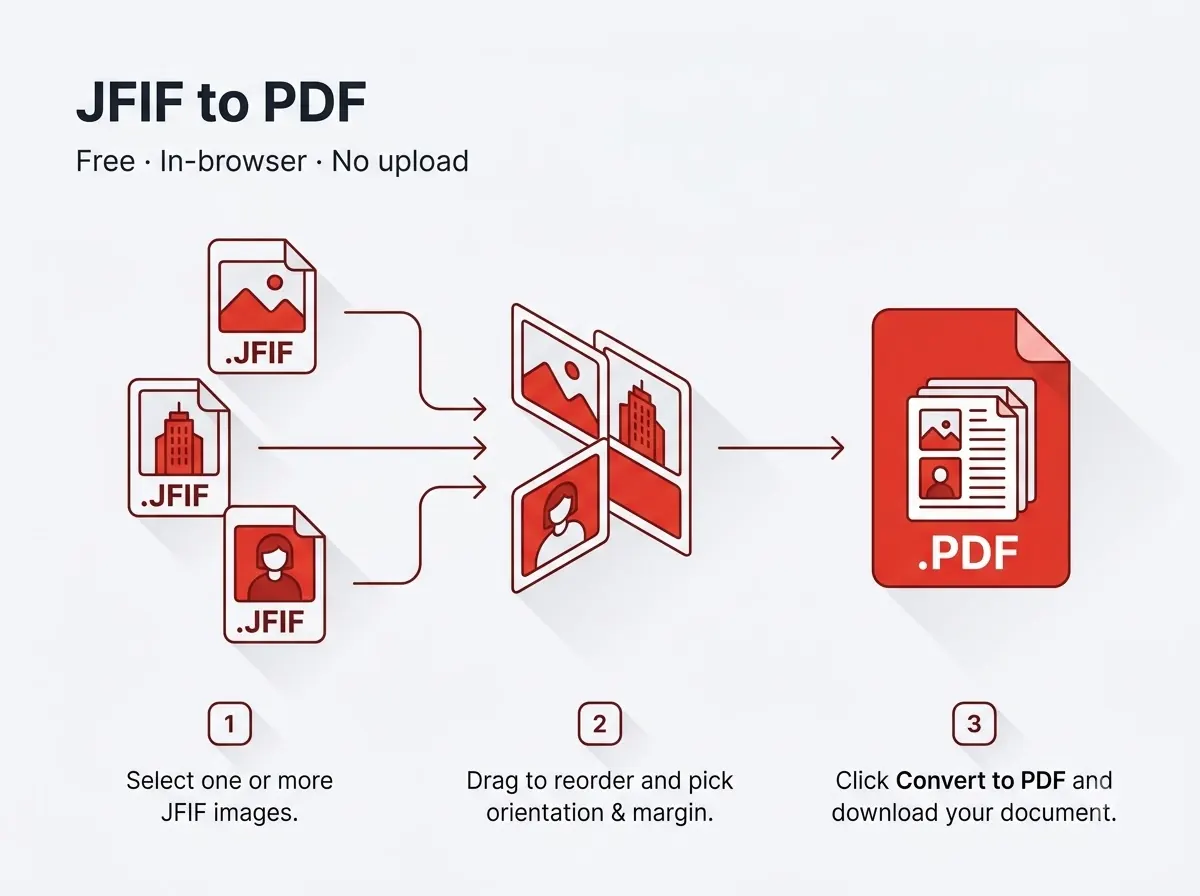



How it works
- Batch conversion, drag to reorder pages first.
- Optional size cap for portals that limit the PDF upload.
Private by design
The file never leaves your device — everything runs inside your browser tab using JavaScript PDF libraries, with nothing uploaded to any server. That also means there's no per-day limit on how many files you process, since nothing is metered on a server.
Good to know
The finished file downloads straight to your device's normal Downloads folder with a new file name, so the original stays untouched and you can tell the two apart at a glance.
Frequently asked questions
What exactly is a JFIF file?
It's essentially a JPEG saved with the .jfif extension, most often by Windows when saving an image from a web page — this tool reads it exactly like a JPG.
Is there a sign-up or a watermark?
No — no account needed and the output file carries no watermark.
Does it work on mobile?
Yes, it runs in any modern mobile browser on Android or iPhone, not just on desktop.
Is my file kept or deleted after processing?
Neither — it's never uploaded in the first place, so there's nothing stored on any server to delete.
Reviewed by Manoj Pathak & Pallavi Yadav, Toolzo team — updated 23 September 2026.