Merge PDF
Combine two or more PDFs into a single file, in whatever order you drag them into. Useful for stapling a cover letter, certificates and mark-sheets into one upload when a form only accepts a single PDF attachment.
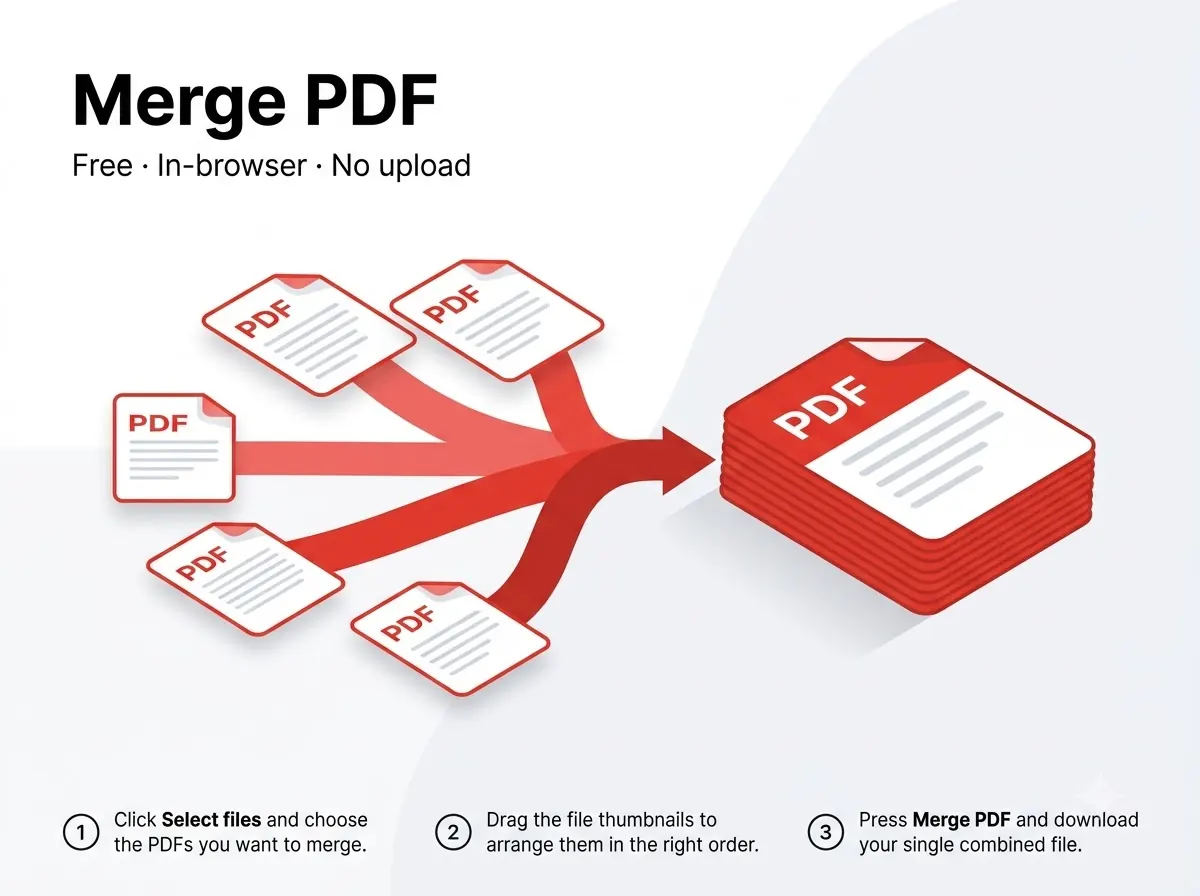



How it works
- Reorder files by dragging before merging — the output follows the order shown on screen.
- Works with any number of PDFs; there's no per-file page limit since everything runs in your browser.
Private by design
The file never leaves your device — everything runs inside your browser tab using JavaScript PDF libraries, with nothing uploaded to any server. That also means there's no per-day limit on how many files you process, since nothing is metered on a server.
Good to know
A larger PDF is handled a page at a time internally, so it takes a little longer rather than failing outright — closing other heavy browser tabs helps if the device has limited RAM.
Frequently asked questions
Does merging re-compress the pages?
No — pages are copied as-is, so quality and any existing text layer are preserved exactly.
Is there a sign-up or a watermark?
No — no account needed and the output file carries no watermark.
Does it work on mobile?
Yes, it runs in any modern mobile browser on Android or iPhone, not just on desktop.
Is my file kept or deleted after processing?
Neither — it's never uploaded in the first place, so there's nothing stored on any server to delete.
Reviewed by Manoj Pathak & Pallavi Yadav, Toolzo team — updated 23 September 2026.