PDF to Excel
Pull tables and text out of a PDF into an editable Excel (.xlsx) file — best on PDFs that were generated digitally (bank statements, reports); a scanned image PDF needs OCR first for reliable results.
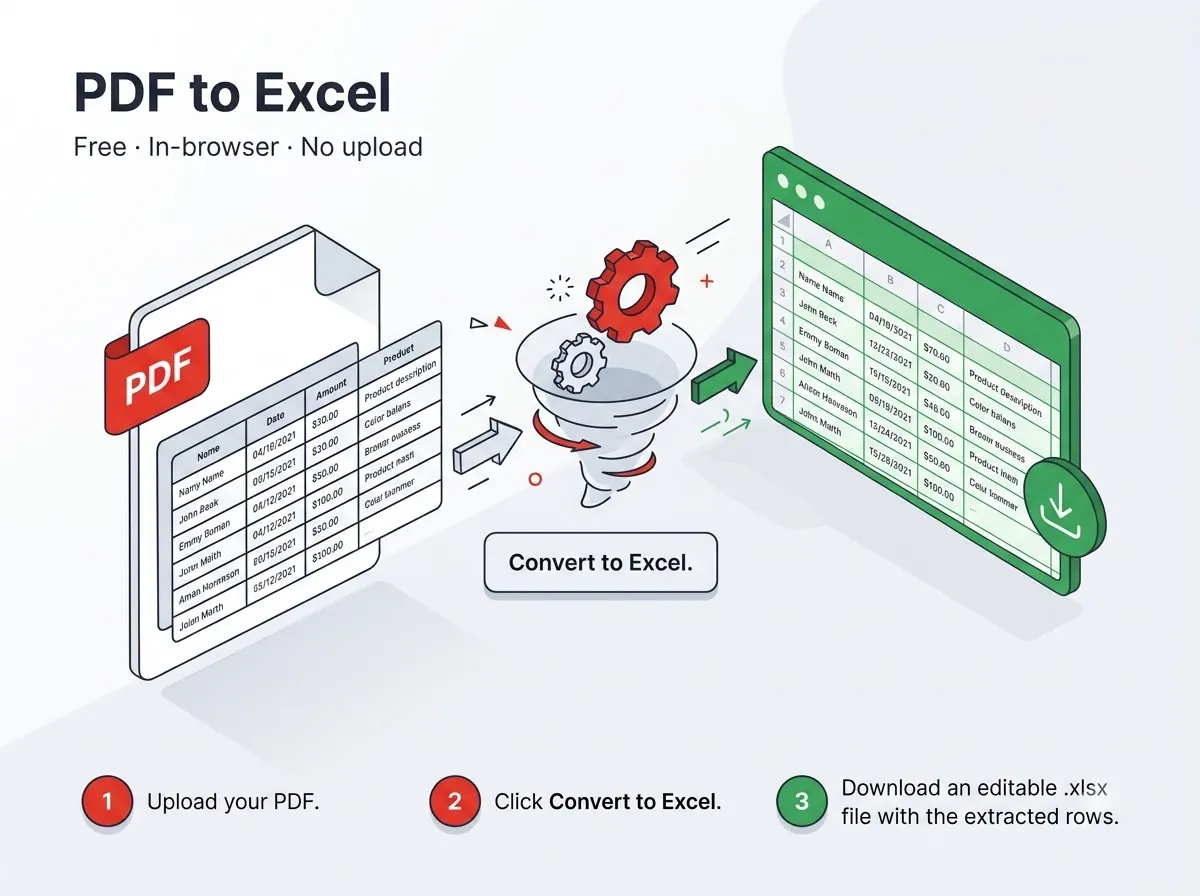



How it works
- Detects table structure automatically where the PDF has real, selectable text.
- Falls back to plain text extraction if no clear table grid is found.
Private by design
The file never leaves your device — everything runs inside your browser tab using JavaScript PDF libraries, with nothing uploaded to any server. That also means there's no per-day limit on how many files you process, since nothing is metered on a server.
Good to know
There's no queue and no daily cap — since nothing runs on a shared server, you can process as many files back-to-back as the task needs in one sitting.
Frequently asked questions
Why did my scanned PDF come out as a blank spreadsheet?
A scanned PDF has no text layer to extract from — try the Image to Text (OCR) tool on it first.
Is there a sign-up or a watermark?
No — no account needed and the output file carries no watermark.
Does it work on mobile?
Yes, it runs in any modern mobile browser on Android or iPhone, not just on desktop.
Is my file kept or deleted after processing?
Neither — it's never uploaded in the first place, so there's nothing stored on any server to delete.
Reviewed by Manoj Pathak & Pallavi Yadav, Toolzo team — updated 23 September 2026.