HEIC to JPG Converter
Convert HEIC — Apple's default photo format on iPhone (since iOS 11) — smaller than JPG at the same quality, but many Indian exam portals, printers and Windows/Android apps don't accept it — to JPG/JPEG, batch, free, and entirely in your browser. Files are decoded and re-encoded on your device; nothing is uploaded.
Why convert HEIC to JPG/JPEG
HEIC is Apple's default photo format on iPhone (since iOS 11) — smaller than JPG at the same quality, but many Indian exam portals, printers and Windows/Android apps don't accept it. Converting to JPG/JPEG trades some of that advantage for near-universal compatibility — every exam portal, printer, Windows Photos app and older Android device opens JPG/JPEG without issue.
Batch conversion
Select several files at once — each is converted independently and, if there's more than one, delivered as a ZIP.
How it works
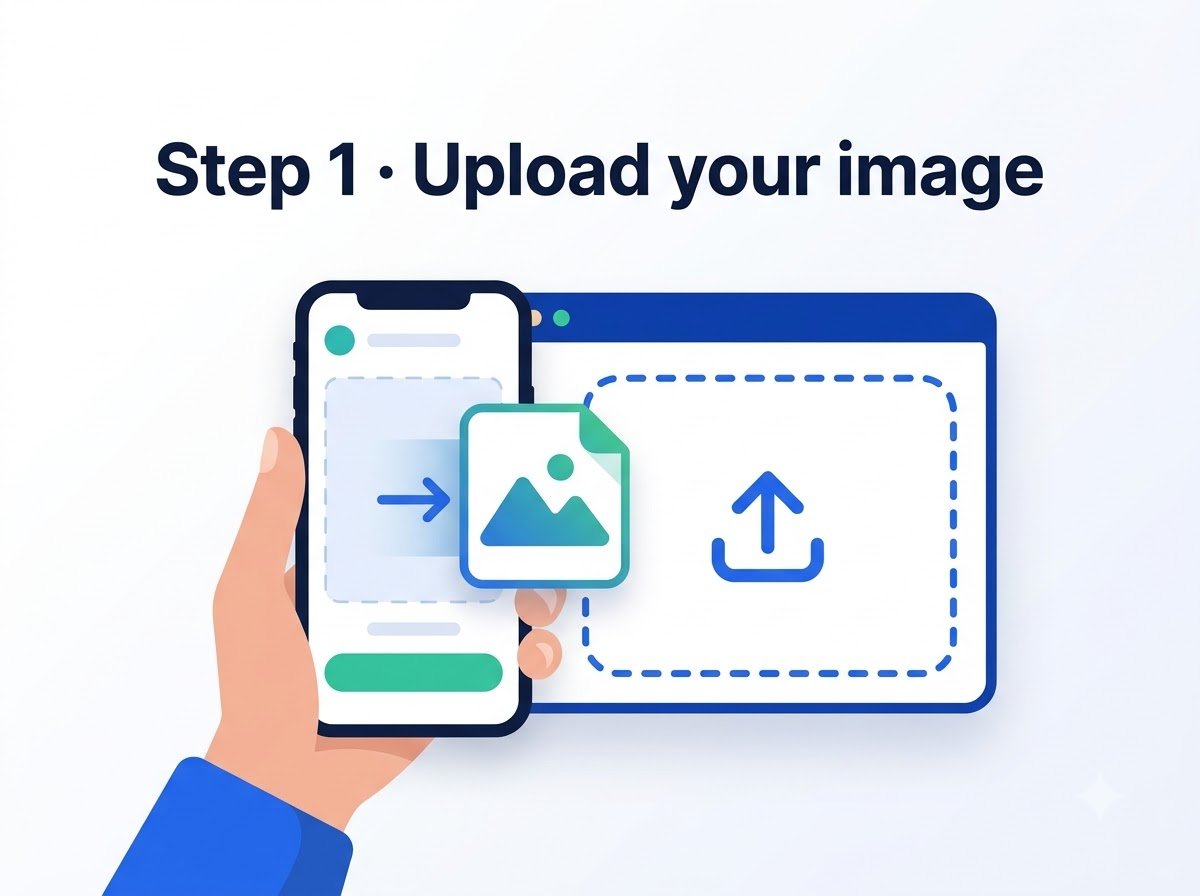
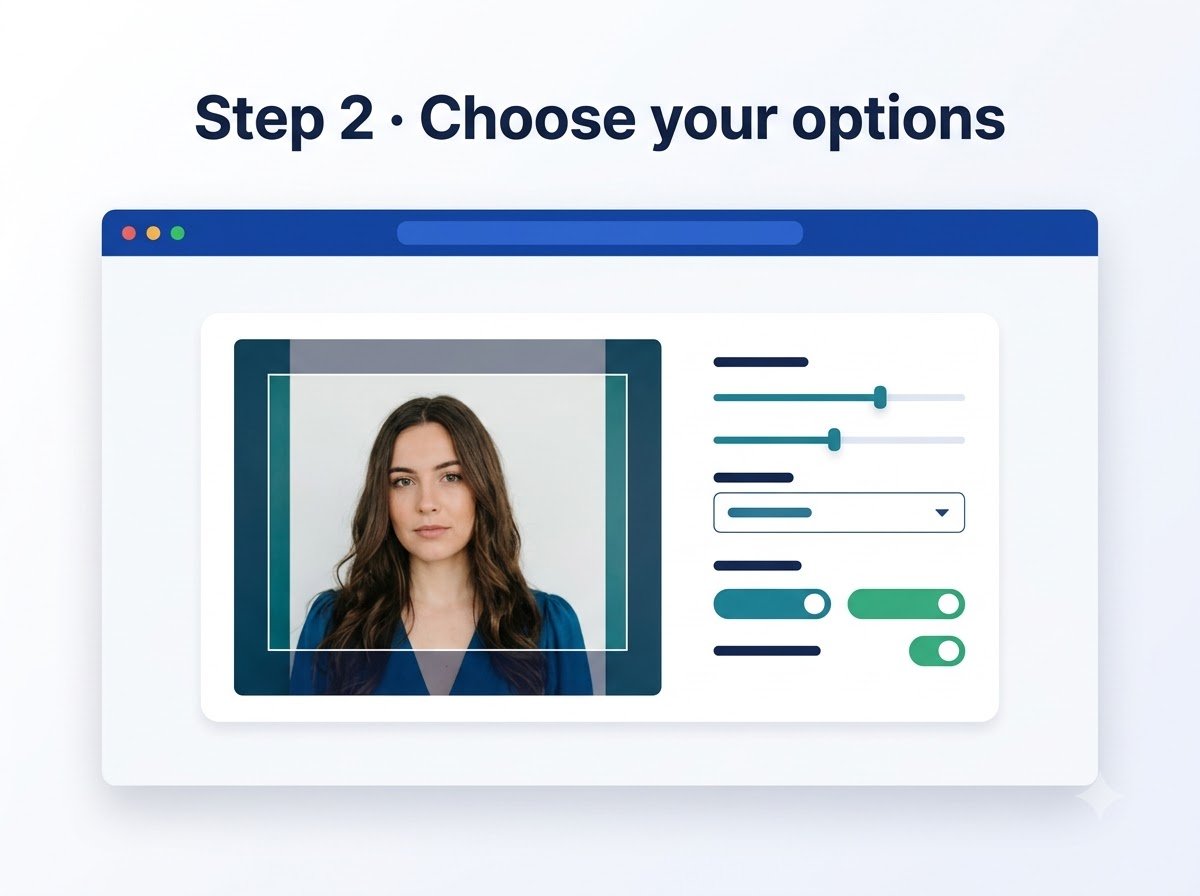
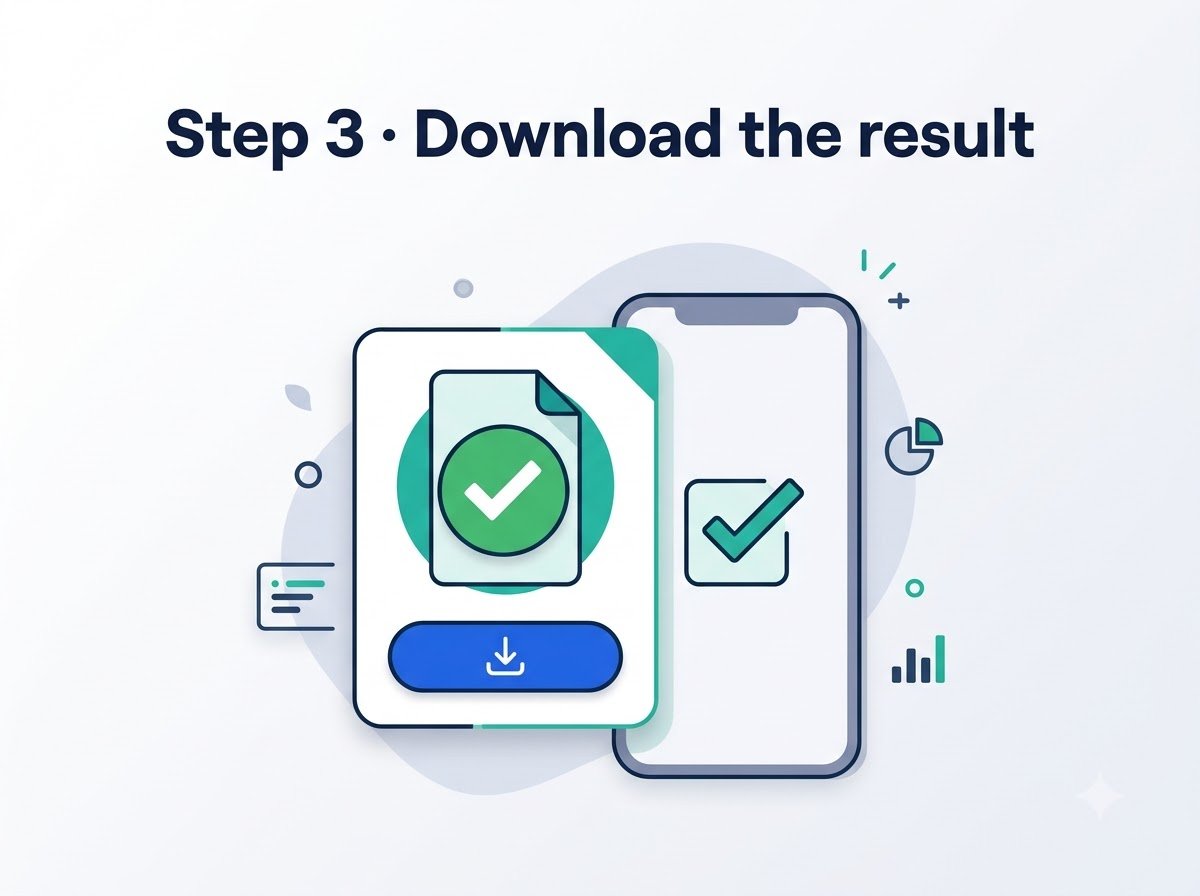
Frequently asked questions
Does converting to JPG/JPEG lose quality?
There's a small, usually invisible quality trade-off going from HEIC to a compressed format — it does not happen when converting to a lossless target.
Can I set an exact output file size?
Yes, for photo uses (exam forms etc.) switch to the <a href="compress-kb.html">Compress Image to KB</a> tool after converting, or use the exact-KB image tools directly.
Is the original file changed or deleted?
No, the original stays exactly as it was — the converted copy is a separate new download.
Reviewed by Manoj Pathak & Pallavi Yadav, Toolzo team — updated 23 September 2026.